Google Business Profile for holiday rentals: setup, reviews
Who qualifies for a Google Business Profile, how to add and verify it, which photos to upload, how to handle reviews and why rental chalets often don't qualify.
Updated 6 min read10 sources
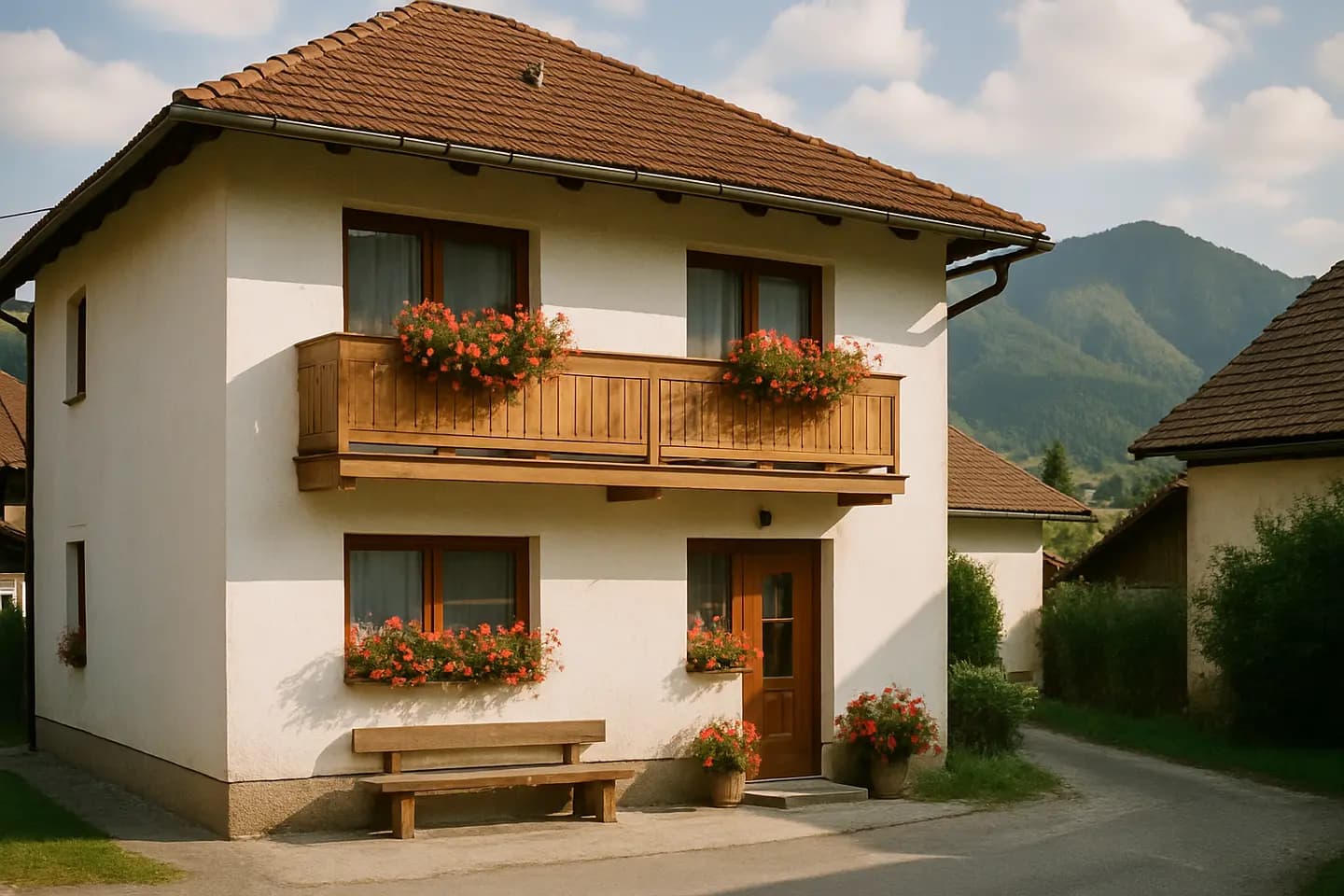
A Google Business Profile is free and helps guests find your accommodation on Google Maps and in Google Search, but not every property is eligible for one. Google allows it for businesses that make in-person contact with customers during their stated hours, for example a guesthouse with a reception or the owner on site. Properties offered for rent, such as holiday homes, are explicitly listed as ineligible. If you do meet the conditions, the process is simple: add or claim the profile, verify it, fill in accurate details and photos, and reply to reviews regularly.
Are you eligible for a profile?
Everything else depends on this question. According to Google's eligibility guidelines:
- eligible are businesses that make in-person contact with customers during their stated hours; seasonal businesses too, provided the location has signage all year round,
- ineligible are, among others, properties offered for sale or rent, such as holiday homes, show homes or vacant flats.
For accommodation, Google distinguishes three groups: hotels, vacation rentals and campgrounds. You belong in the hotels and related categories group if you can answer yes to all three questions:
- Do you have a reception or management directly on site?
- Do you accept guests for overnight stays?
- Are the address and name of the accommodation publicly displayed?
Related categories include, for example, a bed and breakfast with the owner or manager on site, or a mountain lodge with a reception or host on site. If you answer no to any of the questions, you are more likely a vacation rental. A vacation rental can appear in Google Search through the Vacation rentals programme, but that is intended for registered property managers with their own booking website, or for properties already listed on a portal connected to Google.
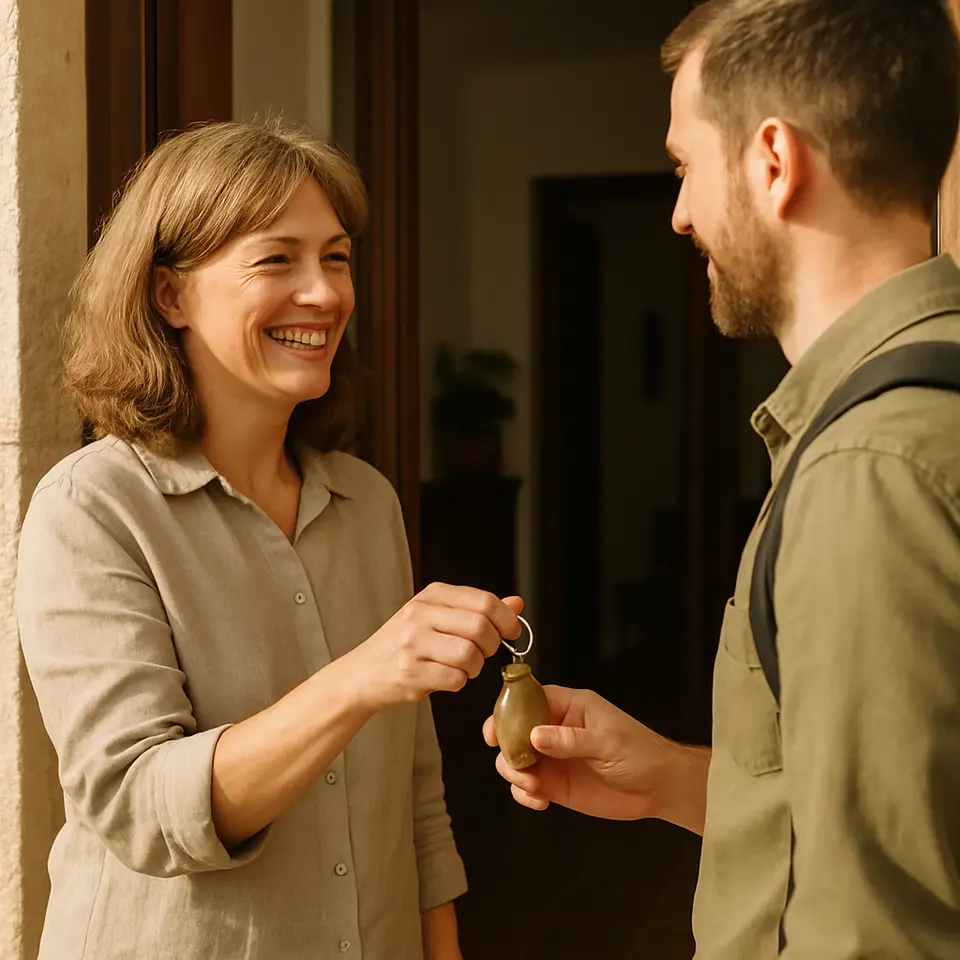
In practice: a guesthouse or chalet with the owner or a manager on site can have a profile. A chalet rented out on its own, where guests collect the keys with no one there, often does not meet the conditions. Google may suspend a profile created in breach of its rules, so it pays to assess the conditions honestly first.
Adding or claiming a profile
First check whether your accommodation is already on Google Maps. An unverified profile may have been created without your involvement; in that case you claim it.
- The profile does not exist: go to business.google.com/add, click "Add your business to Google" and follow the instructions.
- The profile exists but is not verified: search Google Maps for the name and the municipality, open the profile and select "Claim this business", then "Manage".
- Someone else manages the profile: you can ask the current owner for ownership.
To manage the profile you need a Google account; it can use your own email address and does not have to be Gmail.
Verification
Without verification you cannot edit details or reply to reviews, and photos are not shown. The verification method is chosen by Google automatically based on the type of business, public information, region and opening hours. The options are:
- phone or text message with a code (not via an automated voice system),
- email,
- live video call with a support agent during opening hours,
- video recording, which Google recommends if it is available,
- post: most codes arrive within 14 days.
For video verification, be prepared to show the address (signage, a street sign, the surroundings), the accommodation and proof that you manage it, for example by opening the premises with your own keys.
Profile details
- Name: use it exactly as it appears on your signage and website, without adding keywords.
- Address must be accurate; each business should have only one profile.
- Categories: choose as few as possible, only those describing your main activity.
- Website: a link to your own website with a booking system is the most valuable detail for you, because a guest coming from Maps books directly, with no commission.
- For hotel profiles, once verified you can edit the hotel details, meaning services and amenities (for example Wi-Fi, parking, pets). Hotels do not set opening hours; Google shows them as open 24 hours.
Photos
Google recommends the following for photos:
- JPG or PNG format, size 10 KB to 5 MB,
- recommended resolution 720 × 720 pixels, minimum 250 × 250,
- sharp, well-lit photos without heavy editing or filters that show things as they really are.
Videos can be up to 30 seconds and 75 MB, with a resolution of at least 720p. Upload a logo, a cover photo and a series of photos of the accommodation. Google explicitly recommends an exterior photo that helps guests recognise the place when they arrive. For accommodation it is also worth adding the rooms, bathroom, kitchen, shared areas and the view. Photos only appear once the profile is verified, and according to Google this can take 24 to 48 hours.
Reviews
You can only reply to reviews once the profile is verified. Google checks each reply first, usually within 10 minutes, exceptionally up to 30 days, and then publishes it as the owner's response. The reviewer receives a notification and can still edit their review.
How to get more reviews
- Ask for them. Google lets you create a link or QR code asking for a review. Send it to guests after their stay or display it at the property.
- Reply to reviews, so guests can see that their feedback matters.
- Offer nothing in return for a review. Google treats discounts, gifts or free services in exchange for a review or for changing one as fake engagement, and these are strictly prohibited.
How to reply to a negative review
Google recommends being nice and professional, brief and honest. Never publish the guest's private details and never attack them. Check your records to see what happened during the stay, admit a mistake if there was one, explain what was outside your control and offer a way to get in touch to resolve it. Sign the reply with your name or initials and respond promptly.
If you are not eligible for a profile
If your accommodation does not meet Google's conditions, do not create a profile anyway. Guests will still find you in other ways:
- your own website, with the name of the property in the domain and pages about the accommodation, the surrounding area and prices, appears in Google Search like any other website,
- booking portals where you list the property may be connected to Google's accommodation search,
- reviews: collect them wherever guests write them, and show the best ones on your own website.
Profile and website together
The profile brings the guest to you, and the website lets them book. A hotel profile may also show prices and booking links, which according to Google come from Google Hotel Ads and free booking links. Your own website in the Website field is the way for a guest to book directly. For more on moving guests from portals to your own channel, read How to get more direct bookings.
How SFERIN helps
If your accommodation meets Google's conditions, we will set up or tidy up your profile as an add-on service, link reviews with your website and fill in photos and details. The review request add-on automatically sends guests a request for a review after their stay. We will tell you the price when we show you the website preview; the website with a booking system that the profile links to can be seen in your free preview.
Frequently asked questions
Is a Google Business Profile free?
Yes. Google states in its help pages that you can add or claim a business at no monetary cost.
Can I create a Business Profile for a chalet I rent out?
It depends on how you run the accommodation. Profiles are for businesses that make in-person contact with customers during their stated hours. Google explicitly lists properties offered for rent, such as holiday homes, as ineligible. A guesthouse with the owner or a reception on site usually meets the conditions; a chalet rented out on its own with no one on site often does not.
How long does verification by post take?
Google says most codes arrive within 14 days. The verification method (phone, text message, email, video or post) is chosen by Google automatically and cannot be changed.
Can I offer guests a discount for a review?
No. Google treats offering incentives, such as a discount or a free service, in exchange for a review or for changing one as fake engagement, and it is prohibited. You can, however, ask guests for a review, for example with a link or a QR code.
How quickly do uploaded photos appear?
Photos only start appearing once the profile is verified. According to Google, it can take 24 to 48 hours for uploaded photos and videos to show on the profile.
How should I reply to a negative review?
Factually and politely, without personal attacks and without publishing the guest's private details. Admit a mistake if there was one, explain what was outside your control and offer a way to get in touch to resolve it. Sign the reply and respond promptly.
Sources
- Google: Business eligibility and ownership guidelines (Google Business Profile)
- Google: Guidelines for representing your business on Google
- Google Hotel Center: Categories for lodging businesses
- Google Hotel Center: Vacation rentals – Starter guide overview
- Google: Add or claim your Business Profile
- Google: Verify your business on Google
- Google: Manage photos and videos on your Business Profile
- Google: Manage customer reviews
- Google: Tips to get more reviews
- Google: Manage your hotel details
This article is an overview, not legal or tax advice. Updated 27 October 2026.